FareHarbor alternatives for independent guides (2026)
Short answer
FareHarbor is a capable tour platform, but its model — a booking fee typically passed to the customer, and a feature set built for operators — can be more than a solo guide needs. The best alternatives are simpler tools with clear pricing and two-way calendar sync. Match the tool to your volume, not to the longest feature list. Verify all current pricing directly.
Who this is for: Solo and small guides on, or considering, FareHarbor.
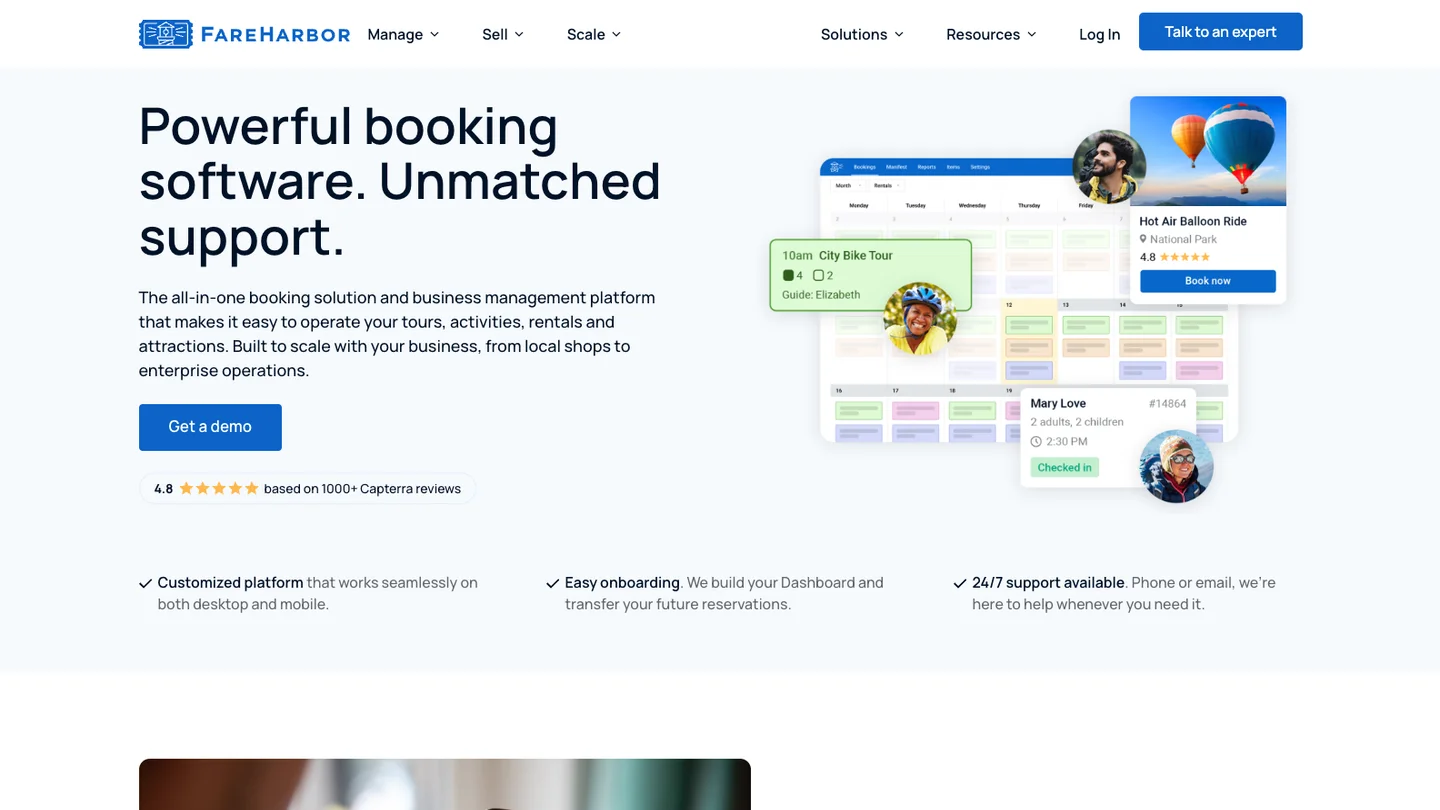
FareHarbor is a well-known tour and activity booking platform, and for busy operators it earns its place. But a lot of solo guides end up on it and find they're using a fraction of it while navigating complexity built for bigger businesses. If that's you, here's how to think about alternatives. Confirm all current pricing directly with each vendor — these terms change.
Why guides look for a FareHarbor alternative
Two reasons come up most. First, the pricing model: FareHarbor is typically funded by a per-booking fee, often passed to the customer, which some guides dislike because it raises the price travellers see. Second, the platform is feature-rich in ways that suit operators more than a one-person tour business.
How to compare alternatives
Don't compare feature lists — compare fit. For a solo guide, rank tools on pricing clarity, per-booking cost, and whether they have solid two-way calendar sync.
| Consideration | What to look for | Why |
|---|---|---|
| Pricing model | Flat monthly vs per-booking | Match to your volume |
| Fees on the customer | Whether fees inflate the shown price | Affects conversion |
| Calendar sync | True two-way sync | Prevents double bookings |
| Complexity | Only the features you'll use | Less setup, less to maintain |
Run the break-even sum from the pillar guide: below roughly a handful of bookings a month, per-booking pricing wins; above it, a flat plan usually does.
Who FareHarbor is genuinely better for
Here's the honest case for staying. If you're a growing operation with staff, multiple tour types, resources to schedule, and real reseller relationships, FareHarbor's depth is an asset, not a burden — and its no-subscription model can suit high-volume sellers. Don't leave a tool that fits just because it's big.
Making the switch cleanly
If a simpler tool fits better, migrate deliberately: export your data, run the old and new in parallel until existing bookings clear, and move between busy periods. Compare the other big platforms too — Bokun and Peek Pro — before you decide.
Frequently asked questions
How much does FareHarbor cost?
FareHarbor is often described as having no monthly subscription, funded instead by a per-booking fee that's typically added to the customer's price. The exact figure and setup vary, so confirm current terms with FareHarbor before comparing.
What's the best FareHarbor alternative for a solo guide?
The best fit is usually a simpler tool with transparent pricing and two-way calendar sync, rather than another operator-grade platform. Choose based on your monthly volume and whether you prefer a flat fee or per-booking pricing.
Is it hard to switch away from FareHarbor?
Plan for it. Export your customers and upcoming bookings, keep the old calendar connected until existing bookings pass, and migrate between busy periods. Done deliberately, a switch is straightforward.